How to order 3D printing without overpaying: tips from a print shop
Why can the same part cost different amounts?
People regularly write to me: “how much does it cost to print this thing?” And they’re often surprised that the cost can be halved just by changing a couple of settings. The price of 3D printing doesn’t depend only on the size of the model. The material, infill percentage, orientation on the bed and wall thickness all affect the final amount.
I decided to collect the tips that really help clients save. No loss of quality, no tricks. Just a sensible approach to ordering.
Tip 1: choose the right material
The simplest way to save is not to overpay for a material you don’t need. PLA costs from 5 UAH/g, PETG from 6 UAH/g: for parts without heat or load, PLA is enough.
If the part will sit on a shelf indoors, won’t heat up and won’t be out in the rain, PLA is quite enough. Recently a client wanted to order an electronics enclosure in PETG. I asked why. It turned out the enclosure would sit on an office desk. We switched to PLA and saved him 320 UAH on a single order.
PETG is needed when a part works outdoors, near a heat source or has to carry loads. There’s more about the difference between the materials in the comparison of PLA, PETG and TPU.
Tip 2: reduce the infill percentage
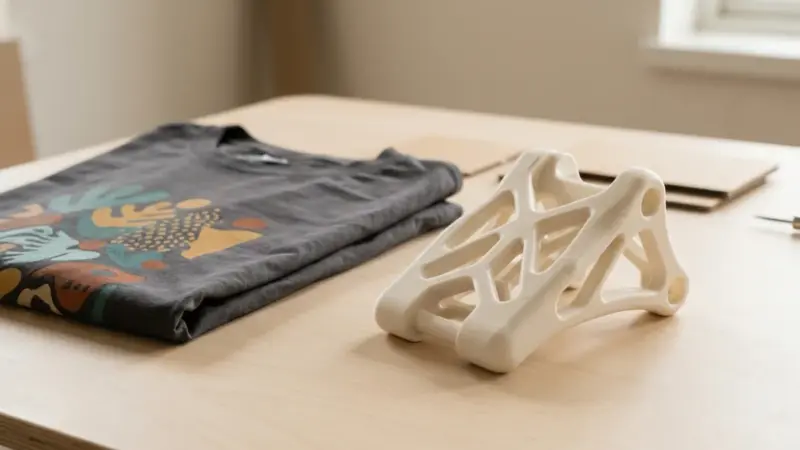
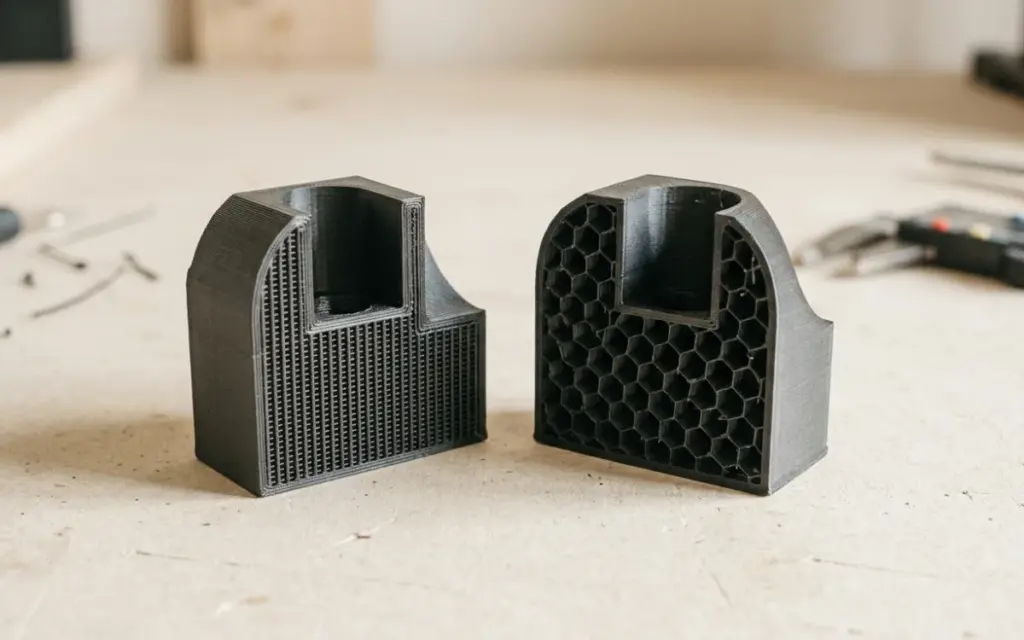
Infill is the internal structure of a part. 100% is solid plastic. 20% is a light lattice inside. Many people order 80–100% “to make it stronger” and then keep the part on the desk as a pen holder.
For most decorative items, 15–20% infill is enough. For functional parts, 30–50%.
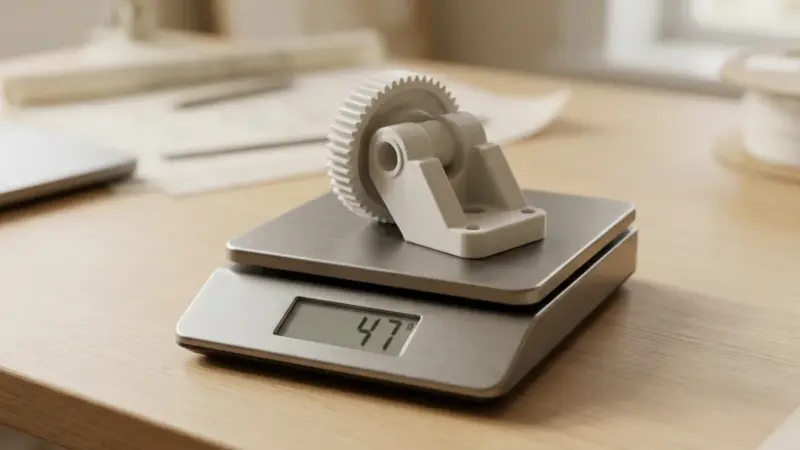
A concrete example: a headphone holder, 18 cm tall. With 80% infill it weighs 95 g and costs 475 UAH (PLA). With 20% infill — 52 g and 260 UAH. The holder is still strong, and there’s zero difference in use. Read more about how infill affects strength in the article on wall thickness and infill.
Tip 3: orientation of the model on the bed
How a part lies on the printer bed determines how many supports it needs. Supports are extra plastic printed under overhanging parts and cut away afterwards.
It happened once: a client sent a bracket model. In one orientation the printer generated 30 g of supports. I turned the model 90 degrees, and the supports dropped to 8 g. A saving of 22 g of plastic, which is 132 UAH in PETG.
If you don’t know the best orientation, don’t worry. I always check and suggest the best option before printing.
Tip 4: combine orders
If you need several parts, order them together. The printer can print several objects at once on one bed.
Also, if you’re ordering a prototype and plan to print the final version later, say so straight away. The first prototype can be made with thinner walls and minimal infill to check the dimensions.
Tip 5: send the right file
The best format is STL or OBJ. STEP is fine too. Don’t send screenshots or photos of a drawing on paper.
The quality of the STL file matters too. If the model has errors (open edges, intersecting polygons), I spend time fixing them. There’s a separate guide on how to prepare the file properly.
Tip 6: don’t make walls thicker than necessary
A 1.2 mm wall is already strong enough for most PLA parts. A 3 mm wall is for cases where the part is really under pressure. Extra thickness means extra grams and extra money.
An example: a 10×10×5 cm storage box. With a 2.4 mm wall it weighs 68 g (340 UAH in PLA). With a 1.2 mm wall — 41 g (205 UAH). And for storing small items on a desk, you won’t notice any difference in strength.
A real example with prices
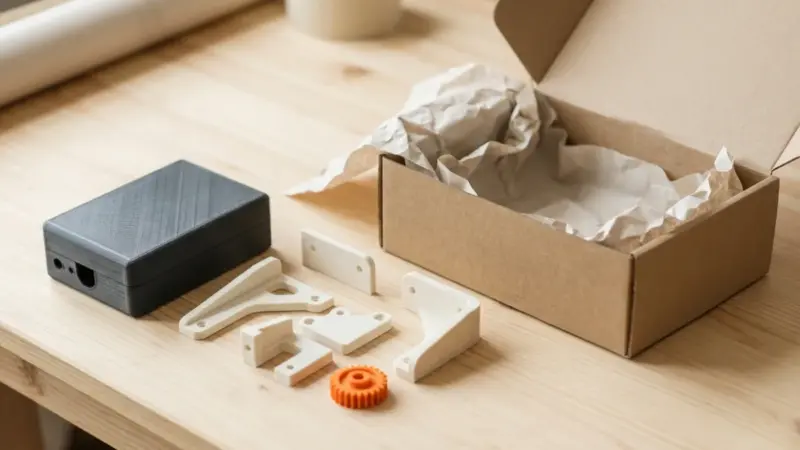
A client ordered a set of mounts for an LED strip, 6 pieces. The first quote: PETG, 60% infill, 2 mm wall. One part weighed 14 g. Six pieces — 84 g. 504 UAH in total.
After discussion: the mounts would be indoors with minimal load. We switched to PLA, 25% infill, 1.2 mm wall. One part weighed 7 g. Six pieces — 42 g. 210 UAH in total.
A saving of 294 UAH. The parts have now been working for three months without any problems.
How to place an order?
Send the STL file through the form on the website or by messenger. I’ll work out the cost, suggest the best settings and give you an exact price. The quote is free. Check our prices for a guide.
Don’t want to prepare the file yourself? Send the model as it is — we’ll check it, fix any errors and quote it within an hour.