How to order 3D printing online — a step-by-step guide
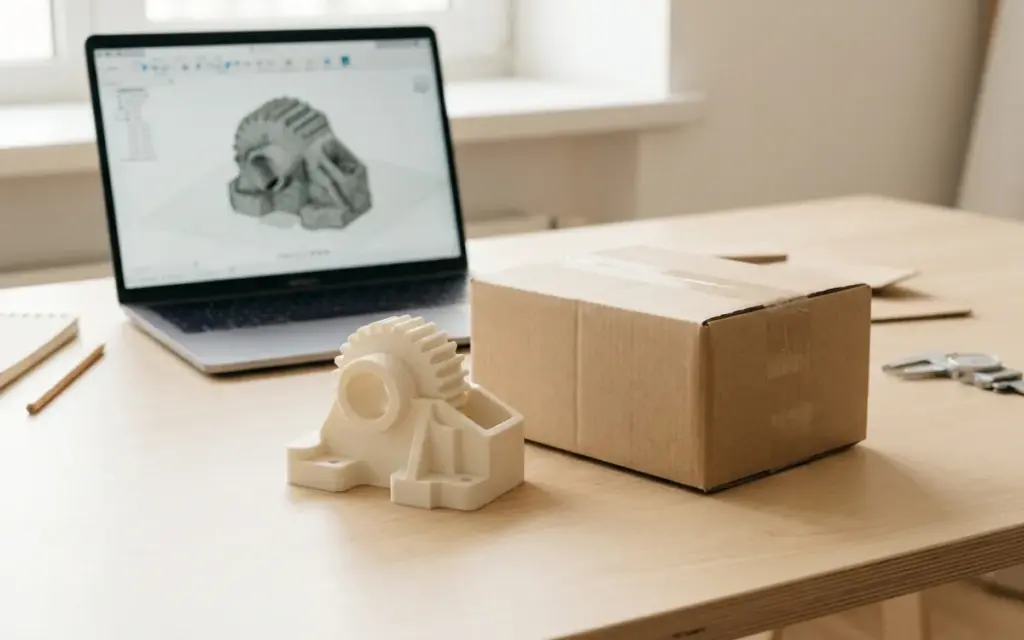
How to order 3D printing online: a complete step-by-step guide
3D printing is becoming more and more accessible, and today anyone can order a part or prototype online — even without a printer of their own or any modelling experience. But if you’re doing it for the first time, the process can seem confusing. In this article we’ll walk through every stage of ordering 3D printing online so you know exactly what to expect.
Step 1: Prepare a 3D model or describe your idea
The first and most important stage is preparing the file for printing. Ideally, you already have a ready-made 3D model in STL, OBJ or STEP format. Such files can be created in programs like Fusion 360, Blender or Tinkercad, or downloaded from free model libraries such as Thingiverse or Printables.
No ready-made model? Don’t worry. First, look for one on Printables, Thingiverse or MakerWorld. Can’t find one? At 3dprint.lviv.ua we’ll tell you who can make it. To order a model, it’s usually enough to:
- Describe in words exactly what you need
- Send a sketch, drawing or photo
- Give the approximate dimensions and purpose of the part
Tip: the more detail you give about the task, the more accurate the result. Don’t forget to say whether the part has holes, threads, moving parts or points where it joins other components.
Step 2: Send a request via the contact form
Once the model is ready, send it via the contact form on the service’s website. You usually need to provide:
- Your name and contact details (phone, email or messenger)
- The 3D model file
- The material you want (if you know) — for example, PLA, PETG or ABS
- The number of copies
- Any extra wishes (colour, strength, flexibility)
Most services reply within a few hours or during the working day. On 3dprint.lviv.ua you can get in touch whichever way suits you — via the form, a messenger or by phone.
Step 3: Get a quote
Once your request arrives, the service’s manager reviews the model and prepares a quote. It usually includes:
- The print material — with an explanation of why it’s the right one
- Estimated print time — depends on size and complexity
- Price — based on material use, printer time and model complexity
- Extra services — post-processing, painting, assembly (if needed)
You can learn more about pricing on the Prices page. Transparent pricing with no hidden extras is a sign of a reliable service.
Step 4: Approval and payment
When you’ve received the quote and you’re happy with everything, confirm the order. At this stage you can:
- Ask for changes to the model
- Change the material or colour
- Clarify the lead time
After final approval, you pay. Most services accept card payments, and some also accept payment systems. Usually prepayment is required, after which the order goes straight into the print queue.
Step 5: The 3D printing process
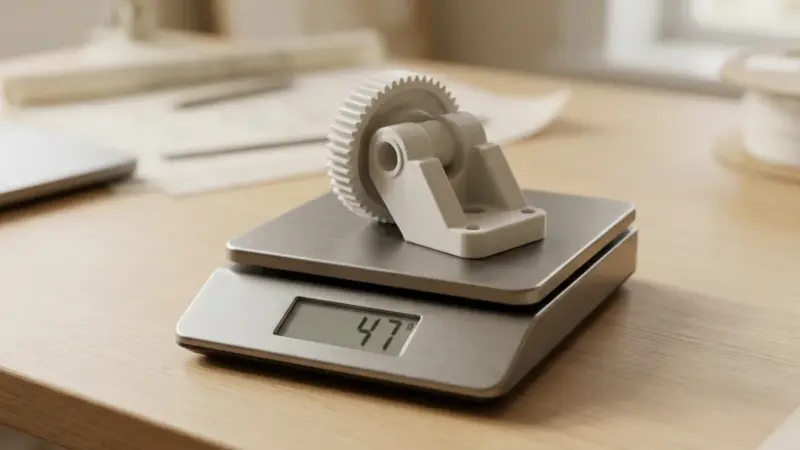
Once the order is confirmed, the printing itself begins. Depending on the size and complexity of the part, this stage can take from a few hours to a few days. During printing, a specialist monitors the quality of the process to avoid defects — layer separation, warping or under-extrusion.
Factors that affect print time:
- Part size — larger items take longer to print
- Infill — solid printing is slower than hollow
- Layer height — thinner layers give better quality but take longer
- Geometry complexity — overhanging features need supports
Step 6: Quality control
When printing is finished, the part goes through a quality check. The specialist assesses:
- Dimensional accuracy against the model
- Surface quality and the absence of visible defects
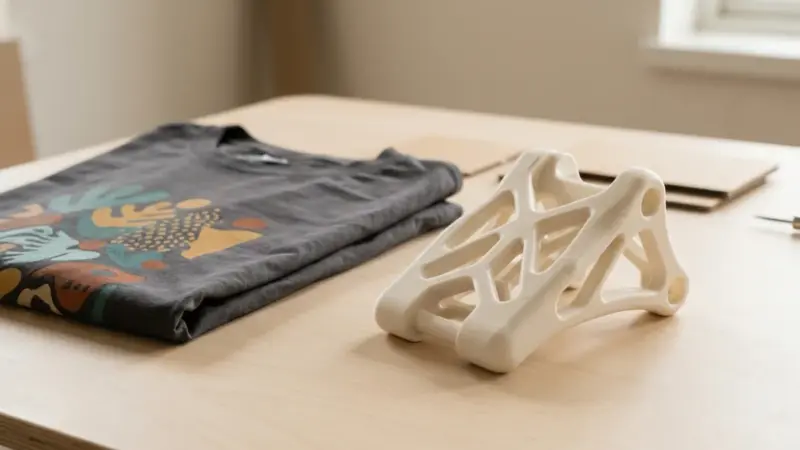
- Strength and integrity of the structure
- The correct shape after supports are removed
If the order includes post-processing (sanding, painting, gluing), it’s done at this stage. Only after passing quality control is the item prepared for shipping.
Step 7: Delivery by Nova Poshta
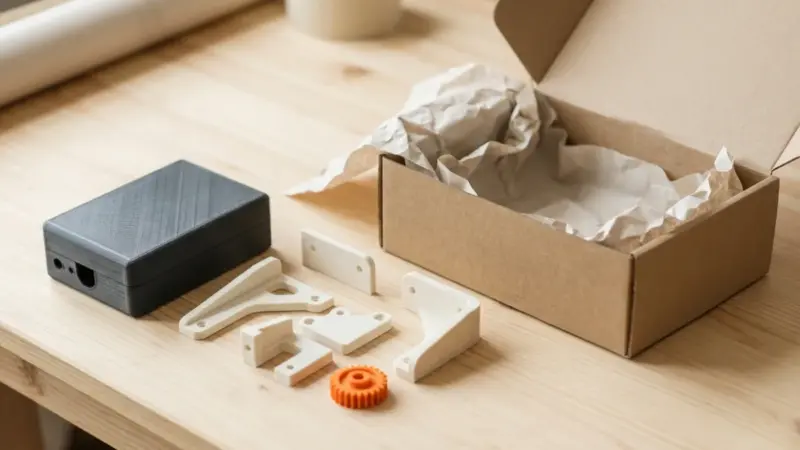
The finished order is packed securely and shipped by post. The most popular delivery method in Ukraine is Nova Poshta. You get a tracking number, and the parcel usually arrives in 1–2 days at any branch or parcel locker.
Parts are carefully packed in bubble wrap and a cardboard box to avoid damage in transit.
Tips for first-time customers
Choose the right material
If you’re not sure which material to choose, read the descriptions on the Materials page. PLA usually suits decorative items, PETG or ABS suit functional parts, and TPU suits flexible parts.
Allow for tolerances and shrinkage
3D printing has certain accuracy limits. The typical tolerance for FDM printing is ±0.2–0.5 mm. If a part needs to fit another part, build a small clearance into the model.
Order a test piece
If you plan to print a batch of identical parts, first order one test piece. This lets you check the dimensions, fit and appearance before full production.
Don’t be afraid to ask
A good service is always ready to answer your questions and help you choose print settings. Don’t hesitate to clarify the details — it will help you get the best result.
Summary
Ordering 3D printing online is a simple, convenient process made up of a few clear steps. The key is to prepare a model or a clear description, choose a reliable service and not be afraid to ask questions. Thanks to modern technology and fast delivery, you can get a finished item within days, wherever you are in Ukraine.
Ready to order 3D printing? Send your model or description via the contact form at 3dprint.lviv.ua, and we’ll help bring your idea to life — quickly, with quality and at a transparent price.
Order 3D printing
Need quality 3D printing? 3D printing prices. custom 3D printing. available materials. Delivery across Ukraine by Nova Poshta.
Don’t want to prepare the file yourself? Send the model as it is — we’ll check it, fix any errors and quote it within an hour.